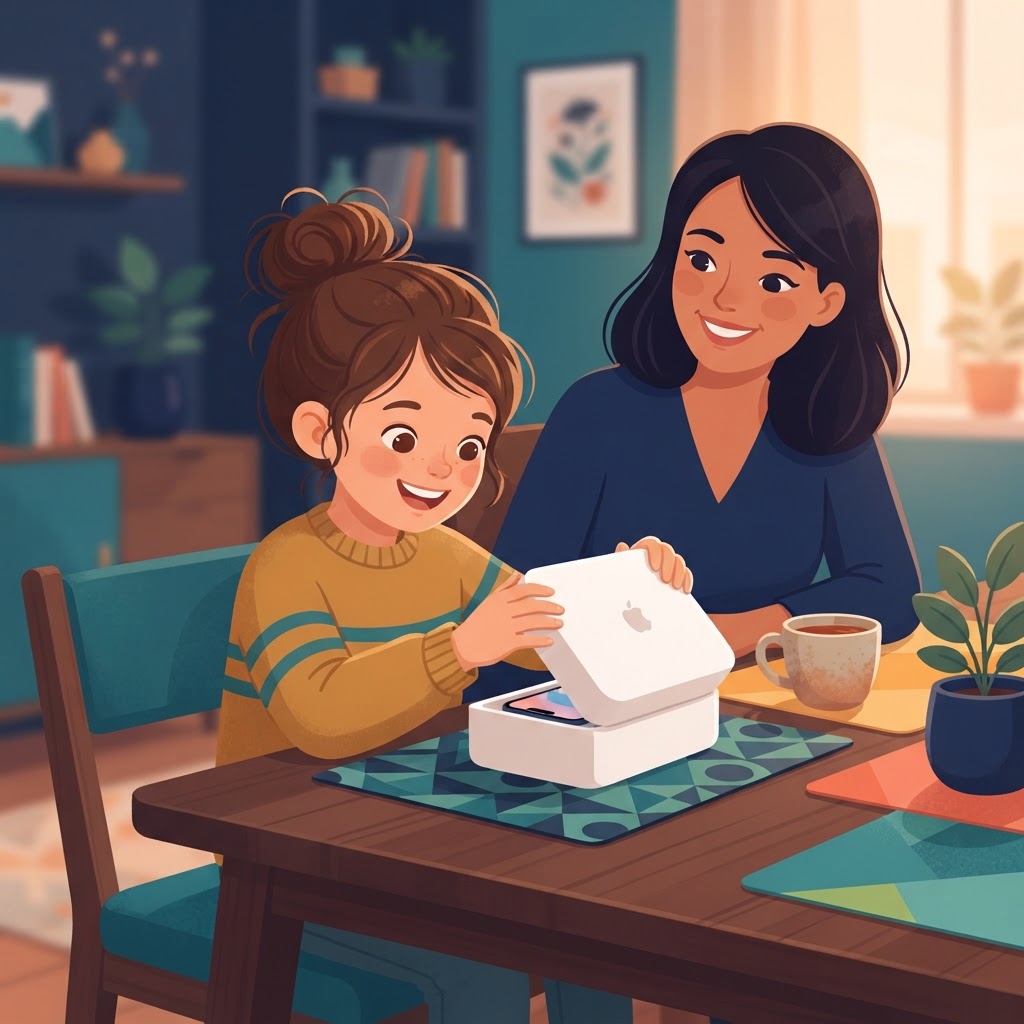
First, the uncomfortable question: is the child ready?
Age is the worst indicator of phone readiness. I know ten-year-olds who treat a device like a tool and thirteen-year-olds who treat it like a slot machine. The better questions:
- Does your child need the phone — walking home alone, coordinating pickup, calling a parent? Need beats want as a reason.
- Can they follow a rule when nobody is watching? If screen time turns your child into a different person, solve that first; the phone will otherwise become a delivery system for it.
- Do they know what to do when something strange happens online — namely, tell you?
If the honest answer is no to the last two, a phone can wait, or arrive with training wheels. Which is what the rest of this guide is for.
Prepare the device before the big day
Whether the iPhone is new or an older family hand-me-down, prepare it out of sight of the child. Surprises are for birthdays, not for configurations.
A used phone needs three things: erase it completely (Settings > General > Transfer or Reset iPhone > Erase All Content and Settings), update it to the latest iOS the hardware supports — new parental controls like iOS 27 schedules and quick actions need it — and check the battery health under Settings > Battery. A phone at 71% battery health will cause fights you do not need.
A new phone only needs the update check.
Create the child's own Apple Account
The single most important setup decision: the child gets their own Apple Account, created as a Child Account through Family Sharing. Not your Apple ID with a cute profile picture. Their own.
On your iPhone: Settings > Family, tap the add button, Create a Child Account. Use the child's real birth date — Apple switches on age-appropriate protections automatically, including Ask to Buy, web filtering, and Communication Safety. For children under 13, the account stays managed by you: you approve downloads, you hold the recovery keys, you make the big changes.
Transfer settings the easy way
If the phone is replacing an old device, Quick Start moves data over by holding the two phones near each other. For a first phone there is usually nothing to transfer — resist the urge to preload twenty apps. A first phone should start nearly empty, with a short list of approved basics:
- Messages and FaceTime for family
- The phone app, obviously
- One or two games you have actually looked at
- Whatever school requires, if anything
Everything else arrives through Ask to Buy requests, which is the system working as designed: your child asks, you decide, and the app library grows at a pace you both control.
Set the parental controls before handing it over
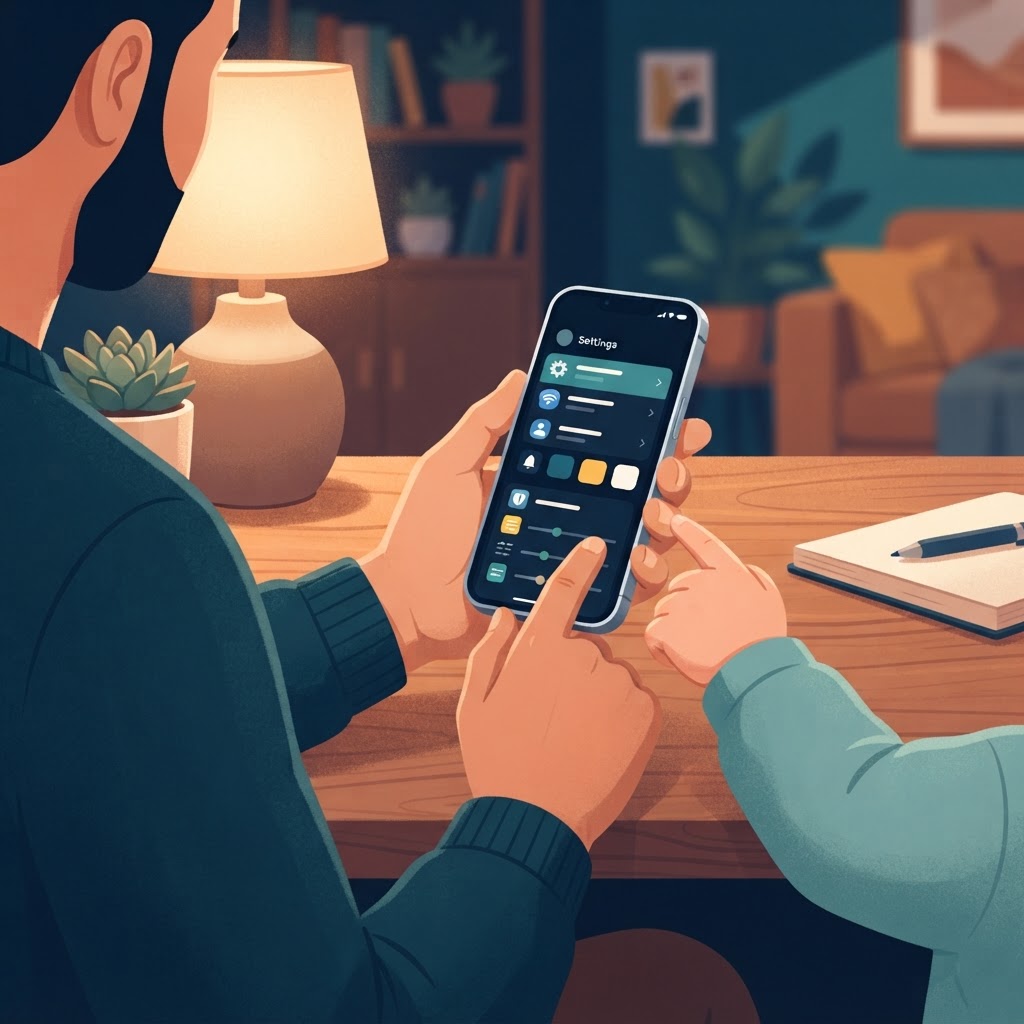
Ten minutes of settings, and the phone arrives pre-fenced rather than retroactively restricted. The short version:
- Screen Time with a passcode only you know.
- Ask to Buy on — every download needs your approval.
- Web filtering matched to age: allowed sites only for young kids, Limit Adult Websites for older ones.
- Time Allowances — daily budgets for Games, Social Media, and Entertainment, using the age guidance Apple shows during setup.
- Communication Safety confirmed on.
- Allowed Contacts for the early weeks: family and a short list of friends.
For the full step-by-step version of every toggle, see the complete iPhone parental controls guide.
Secure the physical phone
Walk through these with the child, not for them:
- A passcode they can remember and you know (you will need it when they forget it — assume they will).
- Face ID enrolled with their face — it is their phone, not yours.
- Find My iPhone on. This is non-negotiable, and it is the setting that turns a lost-phone afternoon into a fifteen-minute inconvenience.
- A case. First phones lead hard lives.
Write the family rules down
The difference between rules that last and rules that evaporate in a week is embarrassingly simple: written down, discussed, and stuck on the fridge. For a first phone, five rules maximum:
- The phone charges in the hallway (or wherever is not the bedroom).
- It is not at the table. Yours either.
- Downloads go through Ask to Buy — no begging exceptions.
- Nothing on the phone is secret from Mom and Dad. Not because we snoop, but because the phone is for ten, and you are for growing.
- If something weird happens — a strange message, a scary site, anything — you tell us. Zero trouble for honesty, always.
Read them out loud together on day one. Both parents, all kids, same rules.
The first conversation about privacy and safety
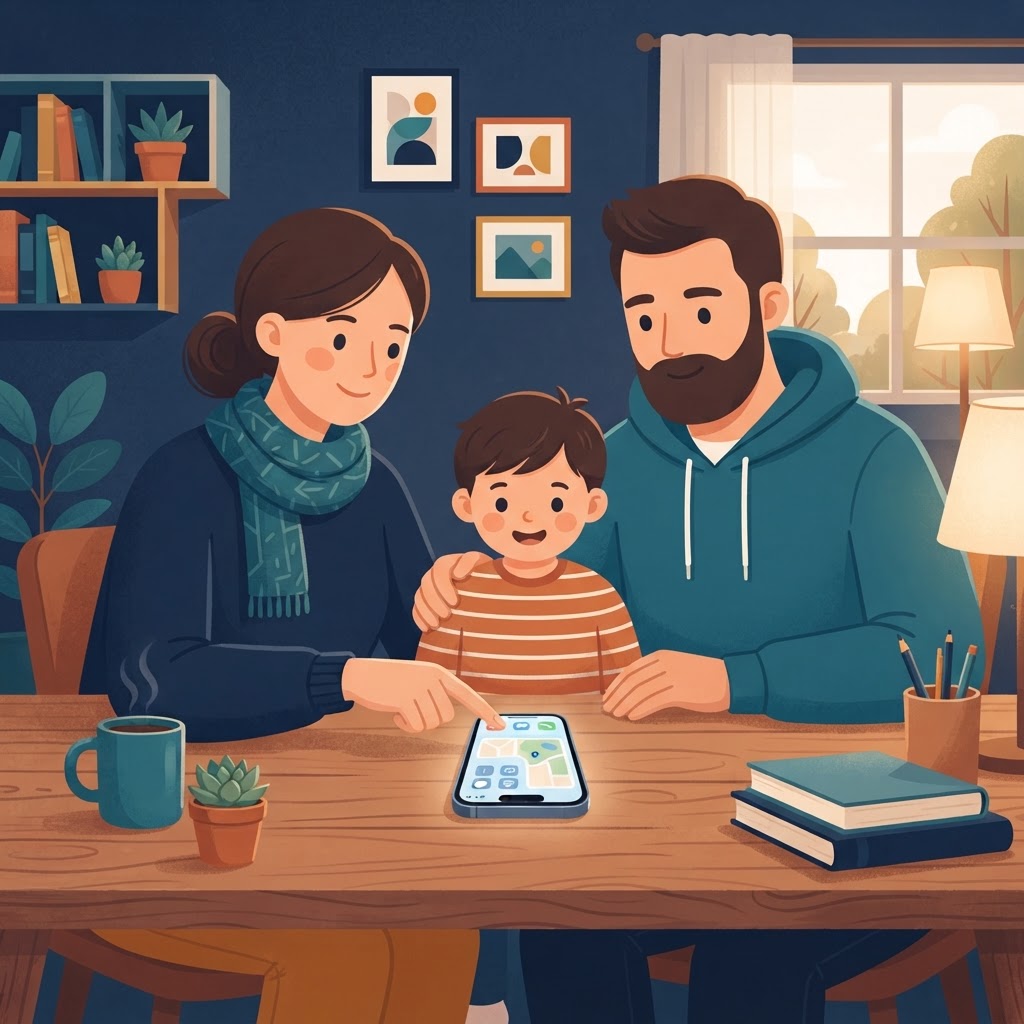
Ten minutes, on the first evening, while the excitement is still warm:
- People online are not always who they say they are. Strangers who want to move the chat to another app are a pattern, not a coincidence.
- Nothing sent is ever really deleted, and photos especially live forever. The rule of thumb: if you would not show it to your grandmother, do not send it.
- If something makes your stomach feel weird, that is your alarm. Show us. You will never be in trouble for showing us.
Then let them play. Seriously — the child should touch the phone before it becomes a monument of parental anxiety. It is theirs. The fence around it just means they can enjoy it while you sleep at night.
The setup took you an hour. The conversation took ten minutes. The two of them together are what makes a first iPhone what it should be: a privilege with a structure around it, instead of a gamble.
 Translate
