
Management is a rhythm, not a surveillance program
Knowing how to manage a child's iPhone is mostly about cadence. Parents who check in on a predictable rhythm — weekly glance, monthly sit-down — catch problems while they are still small. Parents who monitor constantly catch nothing except their child's growing talent for hiding things.
The difference between managing and policing is simple: management happens on a schedule both people know about. Surveillance happens in secret, or at random, and children can smell the difference.
Family Sharing is your dashboard
Everything starts in Settings, under Family. From your own phone you can see your child's daily Screen Time, approve app downloads through Ask to Buy, adjust schedules and time allowances, and check that the restrictions you set up are still in place. On iOS 27, the Family screen has quick actions for exactly this: pause device time, view usage, change the schedule.
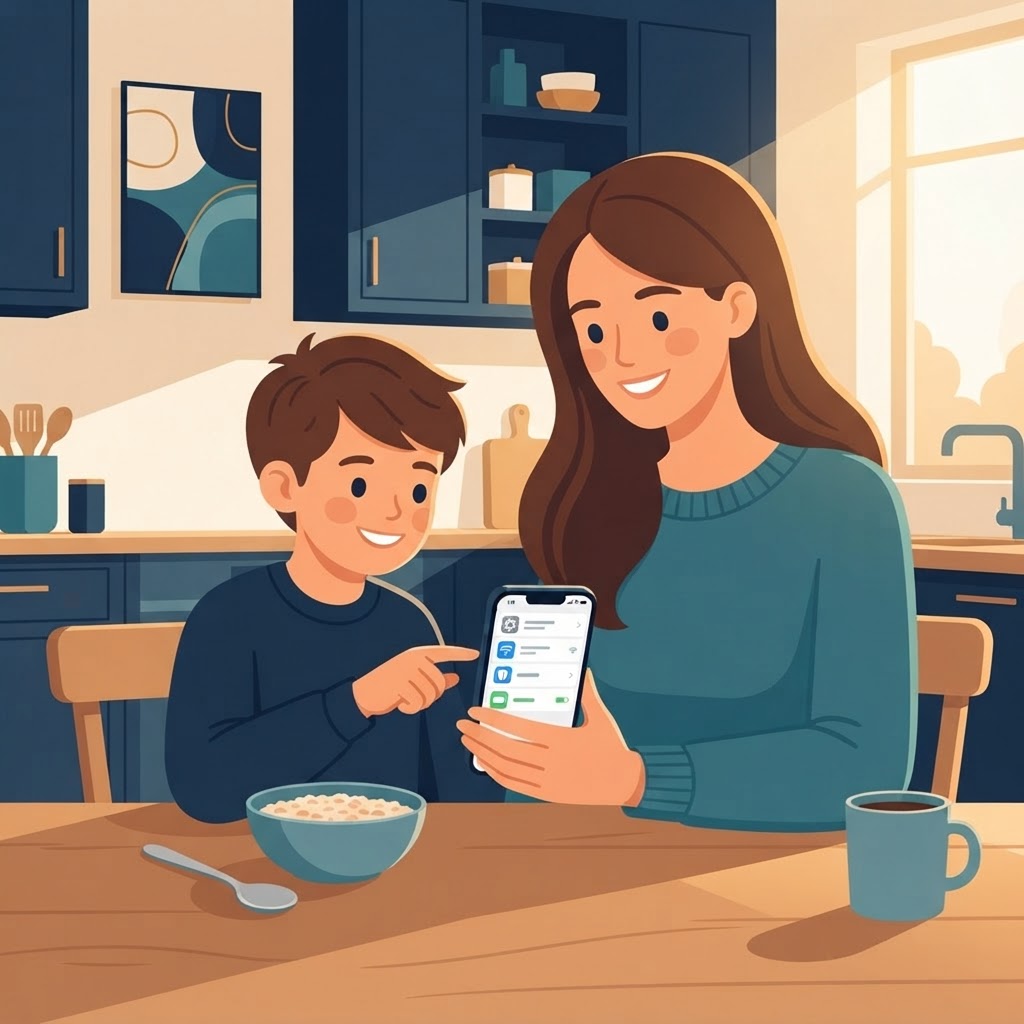
Check it weekly. Not hourly. Weekly, with coffee, takes five minutes, and it tells you everything a monthly surprise inspection would tell you with none of the drama.
Learn to read Screen Time reports
The weekly report shows total usage, most-used apps, pickups, and notifications. The number itself is the least interesting part. The pattern is the story:
- A sudden spike in one game usually means something in real life is being avoided. Ask what, gently.
- Pickups at 2 a.m. mean the phone sleeps in the child's room. Move it to charge in the hallway. Problem solved at the outlet, not through negotiation at midnight.
- A new app appearing near the top of the list is your conversation starter: what is it, what do you do in it, show me.
Present the data as curiosity, never as evidence. The goal is a child who explains their phone life willingly, because that is the only version that survives the teen years.
Review apps together, on a schedule
Once a month, sit down and scroll the home screens together. What is this app? What is it for? Do you still use it? This is not an audit; it is an interest. You will learn more about your child's month from those five minutes of scrolling than from any report.
The monthly review is also when you adjust limits up. Which is the whole point.
Let independence grow on purpose
A phone setup for a nine-year-old is wrong for a twelve-year-old, and suffocating for a fifteen-year-old. Raise the ceiling deliberately: more time allowances each school year, more categories unlocked, more decision-making handed over — and say out loud that this is happening because trust has been earned on both sides.
If you never loosen the rules, the rules get broken quietly instead. A child with no legitimate path to more freedom builds an illegitimate one: second accounts, borrowed phones, a friend's hotspot. Grant independence faster than your child begs for it, and you stay ahead of the workarounds.
Rules that actually work
After years of watching families negotiate this, the rules that hold are boringly consistent:
- The phone charges outside the bedroom. This single rule outperforms every screen time setting combined.
- No phones at the table. Both directions — that includes yours.
- Homework first is a schedule, not a standoff: on iOS 27, the School routine blocks the distractions automatically, so you never have to play enforcer.
- Whatever the rule, it survives the weekend. Exceptions are how rules die.
Keep the privacy conversation alive
Location sharing is the classic flashpoint. With younger kids, sharing location with parents is a reasonable safety measure and most accept it as normal. Somewhere around twelve or thirteen, it becomes a question of trust, and the answer is a conversation, not a tracking app. My rule of thumb: shared location is fine as a safety net for the family, but the moment it is used to catch a kid doing something, the tool has been spent.
Review app permissions a few times a year too: Settings, Privacy, then location, camera, microphone. Apps acquire permissions over time the way a junk drawer accumulates batteries.
When something goes wrong online
It will. A weird message, a group chat that turned ugly, a purchase that appeared out of nowhere. The response protocol matters more than the incident:
- Stay calm. Your reaction to the first small thing determines whether you ever hear about the second, bigger thing.
- Collect the facts before reacting. Screenshots, what happened, who was involved.
- Fix the technical layer if there is one: block the contact, turn on the restriction that failed, use the report tools built into the relevant app for the serious cases.
- Then talk — not interrogate, talk. The incident is a lesson; the cover-up culture is the real danger.
The monthly family review
Once a month, fifteen minutes, everyone with a phone in the family: what new apps appeared, what limits need adjusting up or down, what is going well, what is annoying. Kids get a vote. Kids with a vote defend the rules as if they made them — because partly, they did.
This is the entire management system: a weekly five-minute glance, a monthly fifteen-minute review, and rules that apply to parents too. It scales from first grade to graduation, and it never once requires you to be the phone police.
For the technical foundation — Family Sharing, Screen Time, web filtering — the complete iPhone parental controls guide covers every setting this rhythm builds on.


 Translate