How to use this checklist
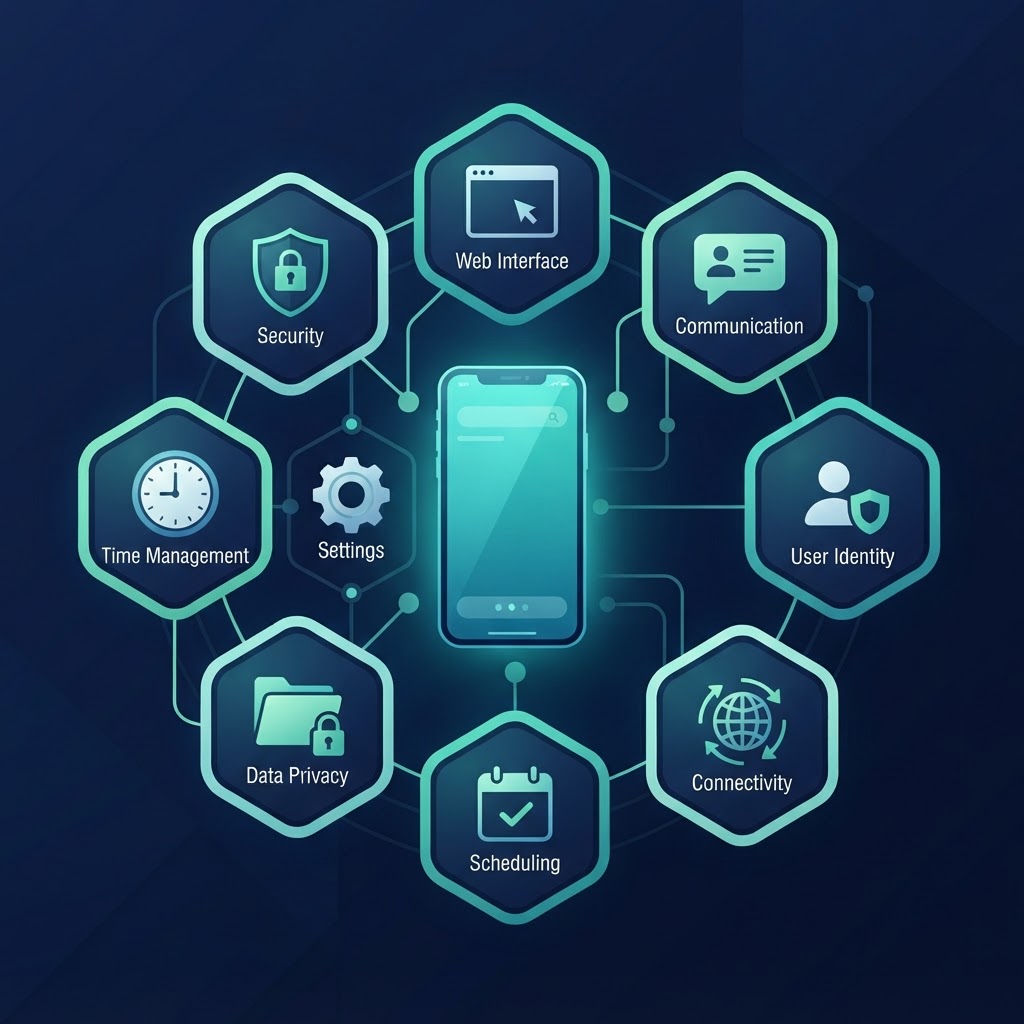
Two passes: this week (the boxes you can tick in one evening) and a habit pass (a monthly five-minute re-check). Items are grouped by area — the same map as the iPhone safety guide for parents. If you're starting from a sealed box, the full order of operations is in the iPhone setup guide for parents; this page is the printable version.
Account
- Child has their own Apple Account — a Child Account through Family Sharing if under 13. Never a parent's ID.
- Family Sharing set up; you are the organizer; your partner added as parent/guardian.
- Recovery contact set to you.
Device
- Updated to the current iOS version, automatic updates on.
- Six-digit passcode that isn't a birthday or a keyboard pattern.
- Face ID or Touch ID enrolled.
- Find My iPhone on.
Privacy
- Location, camera, microphone, photo permissions walked once, app by app.
- Nothing granted "always" without a reason you can say out loud.
Apps
- Ask to Buy on (Settings → Family → [Child] → Apps & Websites → Restrictions → Ask to Buy → Require Purchase Approval).
- App Store age rating ceiling chosen.
- Decision made: can the child install apps at all (Installing Apps allowed or blocked)?
Web
- Filtering level chosen: Ask to Browse (youngest), Limit Adult Websites (default for under 18), or Approved Websites Only.
Contacts
- Allowed Contacts configured if the child is young: who can call and message, and whether you manage the contact list.
- Communication Safety on.
Screen Time
- Screen Time Schedules set: a school window, a night window, a weekend variation.
- Time Allowances for Games, Social Media, Entertainment.
- Screen Time passcode set on your device — different from any passcode the child knows.
Purchases
- In-app purchases blocked or covered by Ask to Buy.
- Shared payment method understood: the organizer's card receives every bill.
Emergency settings
- Medical ID filled in the Health app — allergies, conditions, emergency contacts.
- Emergency contacts reachable from the lock screen.
Family rules (the part with no settings)
- Where the phone sleeps — not the bedroom, ideally.
- When it's parked — dinner, homework windows, family time.
- What happens after a violation — agreed now, in writing, not improvised angry at 9 p.m.
The first week
Check in with the kid, not the settings: "how's the schedule working?", "anything annoying I should fix?" Settings adjusted with the child in week one survive to month six. Settings imposed silently get found and fought.
The full reasoning behind every box — paths, order, and what each item actually protects — is in our parental controls guide, with the security items explained in how to secure a child's iPhone.
The three boxes people skip — and why they matter
Recovery contact. Feels like admin; is the difference between a forgotten password being a five-minute fix and a week of support calls. Kids forget passwords — set the recovery contact and check it once a year.
Emergency settings. Medical ID takes three minutes in the Health app and is the only box on this list that can save a life. Allergies, conditions, emergency contacts — fill it in with the child, so they know it's there and what it says.
Family rules in writing. The only non-technical box, and the one that decides whether the other fourteen hold. Where the phone sleeps, when it's parked, what happens after a violation — agreed when everyone is calm, written where everyone can see it, applied especially on the day you don't feel like it.