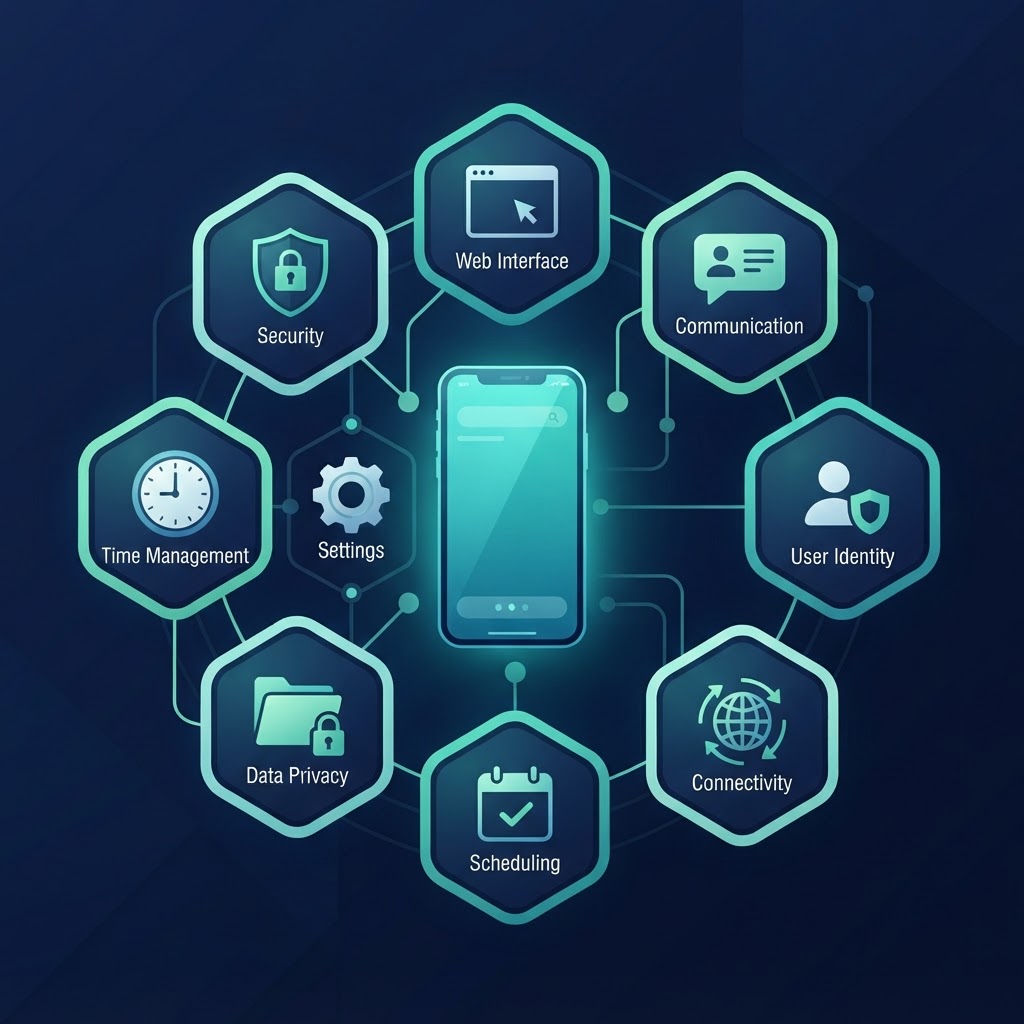
The nine areas of iPhone safety
1. Device security
The phone is a computer with a camera, a microphone, and a payment method attached. Passcode, Face ID, automatic updates, Find My. Boring, and non-negotiable — we cover it in detail in how to secure a child's iPhone.
2. Account security
Whose Apple ID is signed in? The answer must be "the child's own account." A shared parent ID hands a kid your email, your messages, and your credit card, and hands you their app library. Family Sharing plus a Child Account solves this properly.
3. Apps
What's installed, and who approves it. Ask to Buy sends every download to your phone for a yes or no; age ratings in the App Store settings filter what's even eligible. Apps are the first place children meet content you never vetted.
4. The web
Safari is the front door to everything. iOS 27 gives you three levels: Ask to Browse (approve every new site), Limit Adult Websites (filter the worst), or Approved Websites Only. Pick the level that matches the age, not the worst-case headline.
5. Communication
Who can reach your child, and what reaches them. Allowed Contacts limits who can message and call; Communication Safety blurs nudity, gore, and violence in shared photos and videos — on the child's side, without reporting to you.
6. Privacy
Location, camera, microphone, photos — every app asks, and most apps ask for more than they need. A twice-yearly permission review takes ten minutes: Settings → Privacy & Security, walk the list, ask "why?" for anything suspicious.
7. Screen habits
When the phone works (Screen Time Schedules) and how much it entertains (Time Allowances). The settings part is easy; the family-rules part — where the phone sleeps, when it's parked — is what actually shapes habits.
8. Scams and strangers
Phishing links, "free" prize offers, unknown contacts, unexpected AirDrop requests. Filters don't teach skepticism; conversations do. This is the area where a child's judgment outperforms any setting — eventually.
9. Trust and education
Every setting on this list decays as your child grows. Conversation compounds. The controls are scaffolding around a kid who is learning to manage a device themselves; the scaffolding comes down in stages, deliberately.
How the areas connect
Each area covers one failure mode. A web filter without scam-talk covers area 4 but not area 8. Blocking apps without Ask to Buy covers area 3 with a hammer where a gate would do. The nine overlap on purpose — the redundancy is the safety net.
If you fix them in any order, fix 1 and 2 first (device and account), because every other area is managed through that account on that device.
Where the weight shifts with age
A seven-year-old's phone leans on areas 3, 4, and 5: what's installed, what the web shows, who can reach them. A fifteen-year-old's phone leans on 1, 2, 8, and 9: their account is solid, their device is patched, and the real work is scams, strangers, and trust. Same map, different weight.
The deep dive into every setting lives in our parental controls guide, and the childproofing pass — a practical weekend version of this map — is in how to childproof an iPhone.
Print the map. Walk the territories. Then adjust the borders as your kid grows.
Five questions that tell you more than any checklist
Before or after any configuration session, these five tell you where your family actually stands:
- Where does the phone sleep? A phone charging in the kitchen is half of all screen-time problems, solved by an outlet.
- Who would they tell if something weird happened online? If the answer isn't "you," no settings list fixes that — start there, gently, before the next configuration.
- What's the one app they'd protect if you looked through the phone? That answer maps their real digital life better than any usage report.
- What happens after a violation — and do they know it? Consequences agreed in advance are fairness; consequences invented at 9 p.m. are a fight.
- When do the current rules get renegotiated? Every setting on this page should have an expiry conversation attached.
The nine areas are the map. These five are the compass.
The two areas parents overweight — and the two they forget
Parents overweight area 4 (the web) and area 7 (screen time) — the two with the most frightening headlines and the most visible settings. Both matter, but neither is where most real problems start. The two that get forgotten: area 2 (account security), where a shared parent ID quietly disables every other protection on the list, and area 8 (scams and strangers), where the damage arrives through conversation and curiosity, not through Safari. When in doubt about where your next hour goes: lock the account, then talk about scams. The filter is already on by default.



 Translate
