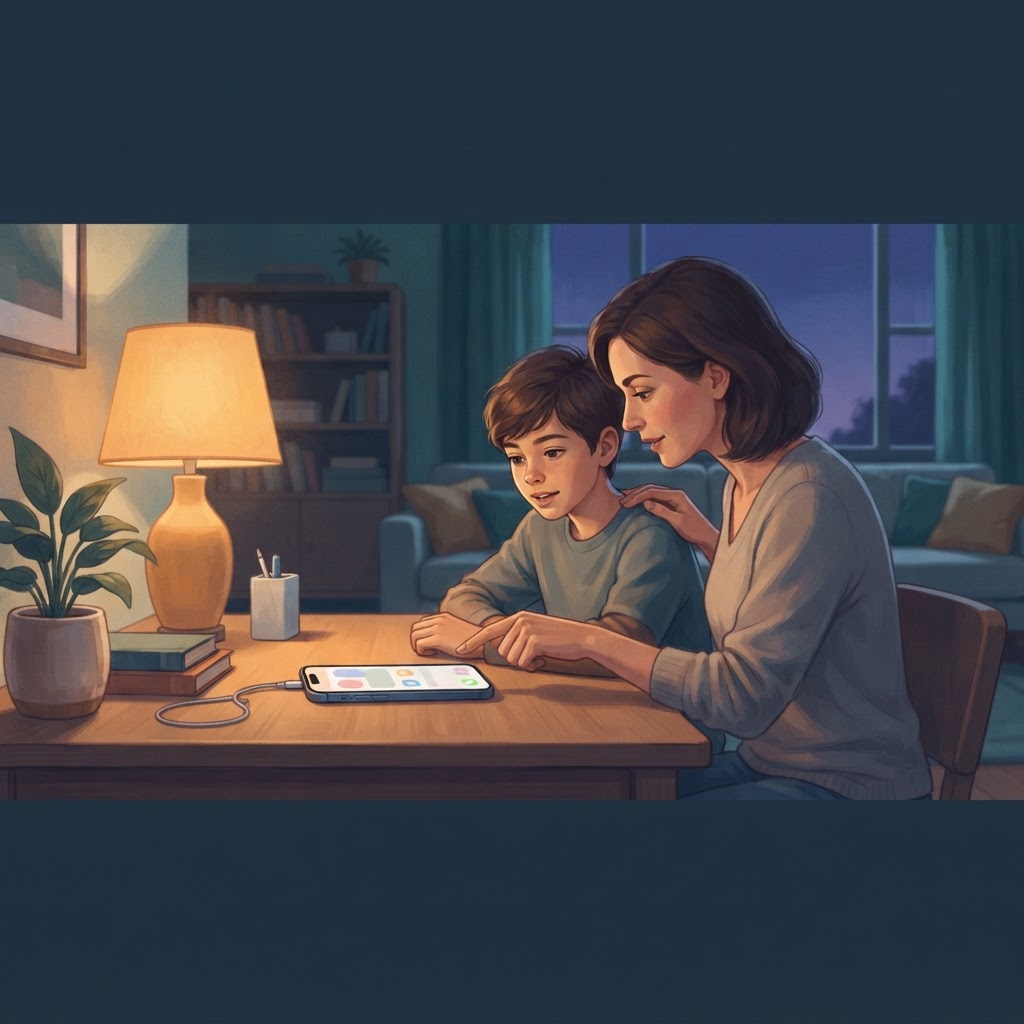
Thirteen is a real threshold. Your kid knows it, their friends know it, and frankly the app stores know it too — most social platforms set their minimum age at 13 for legal reasons, which means the moment the birthday passes, a whole new tier of the internet becomes officially accessible. None of that happens automatically on the iPhone, but the social pressure to unlock everything certainly does. Knowing how to set up an iPhone for a 13 year old means deciding in advance which of those pressures you'll give ground on and which ones you won't, so you're not negotiating from scratch every weekend.
The phone itself doesn't change on the birthday. The same Screen Time passcode still works, the same content restrictions are still there, and Apple has no idea your child just turned 13. What changes is the social context: group chats are expanding, the question "why don't you have Instagram" starts to feel loaded, and your kid has a reasonable point that the setup you built for an 11-year-old doesn't quite fit anymore. That's worth acknowledging out loud, because dismissing it entirely tends to push the conversation underground rather than forward.
How Turning 13 Changes the Social Equation
Before touching a single setting, it's worth having an honest conversation about what the new setup actually means. Not a lecture — a short, concrete exchange. Something like: "You're old enough now that I'm going to give you more room, and I want to do that in a way where I don't have to worry constantly. So let's agree on what changes and what stays, and we'll review it again when you're 14." That framing matters. It signals that loosening is a process, not a one-time unlock, and it sets up the review conversation at 14 before anyone has to ask for it.
Social Apps: Minimum Ages, Real Risks, and the Account Conversation
Technically, 13 is old enough to create accounts on most major platforms. Practically, that's a starting point for a conversation, not an automatic yes. TikTok, Instagram, Snapchat, and YouTube all have versions or settings aimed at younger teens, but none of them are designed to protect your child — they're designed to hold attention. That's not fearmongering, it's just the business model.
The account conversation should cover three things before any app gets installed: who can see what your child posts, what direct messaging looks like on that platform, and what your child will do if something uncomfortable happens. If they can answer those three questions, they've thought about it seriously. If they can't, the app can wait a week while they find out.
For YouTube specifically, the full app carries risks that the YouTube Kids version never did. Restricting what YouTube can serve up on a teenager's iPhone is still worth doing even if you decide the app itself is fine — the defaults are not set up with a 13-year-old in mind.
Location Sharing: What to Keep, What to Let Go
At 13, the GPS question comes up fast. Full-time location sharing via Find My or a third-party family app can start to feel suffocating to a teenager who is genuinely spending more time away from home. That's a fair instinct on their part.
A reasonable middle path: keep Find My active but stop checking it constantly as a habit. Use it as a safety net for genuine situations — late buses, changed plans, genuine worry — not as a live feed. Tell your child that explicitly. "Find My is still on, I'll use it if I actually need to, not to track your every move" is a sentence worth saying.
What to stop using at 13: any app that shows your child's location to their friends without their active control. Some family apps bleed into friend groups in ways teenagers don't fully register. Location is personal data, and a 13-year-old who understands that is developing a useful instinct.
Which Restrictions to Keep — and Why Removing All of Them Is a Bad Trade
This is the part where some parents decide to wipe the slate clean and start fresh, reasoning that a teenager will find workarounds anyway. That logic has a flaw: the fact that a lock isn't perfect doesn't mean it has no value. A speed bump isn't a wall, but it still slows things down.
The restrictions worth keeping at 13, regardless of how mature your child is:
- Explicit content filters on the browser and Search. These aren't a guarantee, but they remove the casual stumble. Blocking adult content on an iPhone takes ten minutes and stays out of the way completely once it's set.
- App Store download approval. At 13, this doesn't have to mean every free app needs a conversation — you can raise the threshold so only paid apps or apps above a certain age rating need sign-off. But killing it entirely means surprises.
- Screen Time downtime overnight. Sleep matters more at 13 than at 17. Keeping a quiet period overnight — where the phone still works for calls but not social apps — is one of the restrictions teenagers argue against most and benefit from most.
- Communication limits during school hours. Most schools have their own rules, but having Screen Time echo that policy at the device level removes the temptation and the argument.
For a fuller look at how these controls fit together as a teenager gets older, the overview of iPhone parental controls for teenagers is worth reading alongside this setup.
What You Can Reasonably Loosen
Fairness matters here. If everything stays locked down identically to age 11, you lose credibility fast. Reasonable loosening at 13 includes: longer daily screen time limits, access to music streaming without filtering every lyric, and the ability to add approved contacts without asking first. These are not concessions — they're acknowledgments that the kid is growing up, which is the whole point.
Scheduling the 14-Year Review Before You Need It
The smartest thing you can do right now costs nothing: put a note in your calendar for six months before your child turns 14. Something like "iPhone review — what changes next year." When that reminder goes off, you open a conversation rather than respond to a demand.
The review should be a short written list — genuinely written down, even if it's a note on the phone — covering what's been working, what your child wants to change, and what stays. The act of writing it makes it a process rather than a negotiation. Teenagers respond surprisingly well to being told "here's exactly what I'll reconsider and when," because it's honest and because it respects that they're moving toward independence, not away from it.
Parental controls are guardrails, not a guarantee. A motivated 13-year-old can find ways around most of them, and their friends will cheerfully help. The settings matter less than the ongoing conversation about why they exist — but that doesn't mean skipping the settings.



 翻譯
